
Identify Your Restaurant’s Needs and Workflow
Every restaurant operates differently, which is why selecting a POS system isn’t about chasing the “#1 ranked” software—it’s about finding a fit for your workflow. A full-service restaurant (FSR) may prioritize tableside ordering and robust kitchen display systems. At the same time, a quick-service (QSR) concept might care more about speed of checkout and integrations with delivery apps. For example, TouchBistro shines in sit-down dining with iPad tableside tools. At the same time, Square for Restaurants is ideal for cafés and fast-casual operators who want simplicity and a free entry tier. And while the right POS can help streamline front-of-house operations, reliable frozen drink and ice cream machines—like those supported by Lane Equipment —are equally important in ensuring smooth daily service.
Restaurant POS System Comparable Chart
| Brand | Website | Best for | Starting price | Processing | Hardware stance | Notes |
|---|---|---|---|---|---|---|
Toast |
Website | FSR & fast casual all‑in‑one | From $69/mo* | Toast Payments (in‑house) | Proprietary Android terminals | Hardware + processor lock‑in |
Square for Restaurants |
Website | Cafés, QSR, pop‑ups | Free tier (Plus $69) | Square flat‑rate | iPad + Square devices | Processor lock‑in |
Lightspeed Restaurant (K) |
Website | Multi‑location, deep reporting | From $189/mo* | Lightspeed Payments | iPad‑based | Annual plans typical |
TouchBistro |
Website | Table‑service with iPad flow | From $69/mo* | Integrated partners | iPad‑first | Add‑on modules for some features |
SpotOn Restaurant |
Website | Full‑service & multi‑concept | From $0/mo* (alt plans) | SpotOn payments | Proprietary Android | Station fees possible |
SkyTab POS (Shift4) |
Website | Bars, pizza, FSR value | ~$29.99/mo* | Shift4 required | Proprietary hardware | Terms vary by reseller |
GoTab |
Website | Breweries, food halls, patios | From $15/mo* | GoTab Payments | iOS/Android/Windows (flexible) | QR/mobile‑first workflows |
Rezku |
Website | Value iPad deployments | From $49/mo* | Rezku processing | iPad + peripherals | Feature gaps vs enterprise |
Loyverse |
Website | Food trucks, pop‑ups | Free core; add‑ons | 3rd‑party integrations | iOS/Android | DIY setup, lightweight |
Otter POS |
Website | Delivery‑heavy QSR | Build‑your‑plan | In‑house payments | Android/iPad (varies) | New as full POS |
Revel Systems |
Website | High‑volume iPad | From $99/mo* | Revel Advantage | iPad + certified gear | Multi‑year common |
Clover |
Website | Simple deployments; variety | Varies by bundle | Fiserv/ISO channels | Proprietary devices | Terms vary widely |
Oracle MICROS Simphony |
Website | Chains, venues, stadiums | Quote‑based | Oracle/3rd‑party | Oracle hardware | Enterprise complexity |
NCR Voyix Aloha Cloud |
Website | Brands favoring Aloha | Quote‑based | NCR Voyix | Proprietary terminals | Channel‑driven pricing |
Consider Your Service Model
Different service models call for different features:
- Bars and breweries often benefit from GoTab, a QR-first “sleeper” POS that supports tabs and flexible hardware.
- Food trucks and pop-ups can save money with Loyverse, which offers a free POS with optional low-cost add-ons.
- Multi-location chains may need enterprise-level solutions like Lightspeed Restaurant or Oracle MICROS Simphony, which centralize menus and provide advanced reporting.
Just as a POS should match your service model, so should your equipment vendor. Lane Equipment helps bars, quick-serve restaurants, and entertainment venues maximize profit by providing reliable front-of-house machines like frozen drink and soft serve dispensers.
Balance Features vs. Simplicity
It’s tempting to choose the system with the longest feature list, but complexity can slow down staff training. For example, Toast provides an all-in-one platform with payroll, loyalty, and online ordering, but smaller restaurants may prefer a lightweight option like Rezku that keeps costs predictable without excess modules. The same principle applies to equipment: you don’t always need the flashiest model, but you do need systems—whether POS or frozen drink machines from Lane Equipment —that are simple, reliable, and built for your staff to use effectively.
Key Features to Evaluate Before You Buy
Core POS Functions
Look for a system that handles fast order entry, payment processing, and modifications. Toast and Square excel here, offering intuitive interfaces for high-turnover staff.
Online Ordering and Delivery Integrations
If you rely on delivery marketplaces, integrations are critical. Otter POS, a new entrant in 2025, was built on delivery aggregation and offers deep marketplace connections. Compare that to SpotOn, which emphasizes first-party online ordering so you can keep customer data in-house.
Inventory and Menu Management
Do you need recipe-level cost tracking or just a basic count of items? Lightspeed and Revel Systems include advanced inventory tools, while Loyverse keeps things simple with basic stock counts.
Staff Management and Labor Tools
Scheduling and payroll integration can save hours each week. Toast offers payroll add-ons, while Rezku includes built-in timeclock features at a lower monthly cost.
Reporting and Analytics
Analytics should help you make more innovative menu and staffing decisions. SpotOn now bundles “Profit Assist,” an AI-powered P&L tool, while Lightspeed delivers detailed multi-location insights.
Pricing and Total Cost of Ownership
Software Subscription Costs
Entry pricing ranges from free (Square Free, Loyverse) to $189/month for advanced packages like Lightspeed Premium. Always compare the tiers you’ll actually use.
Payment Processing Fees and Restrictions
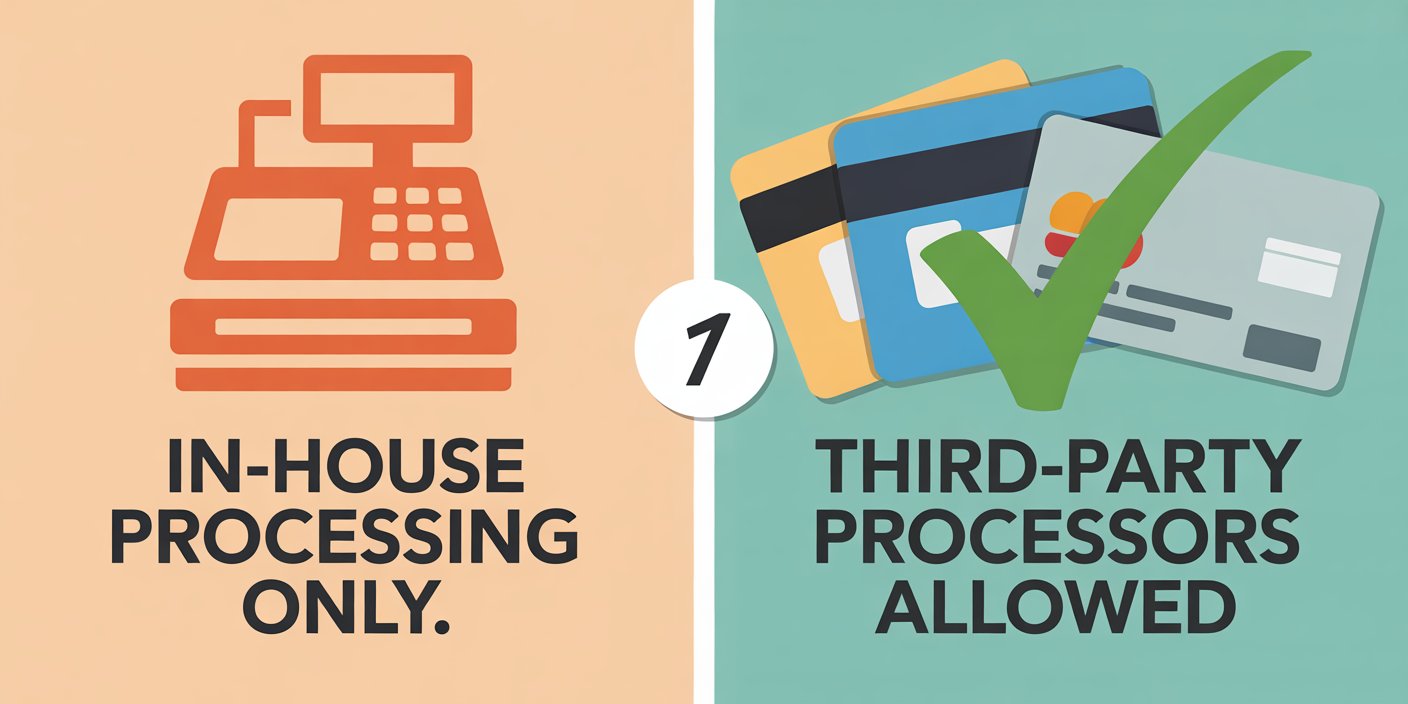
Processing can be a hidden cost driver. Many providers, including Toast, SpotOn, and SkyTab, require you to use their in-house payment processing. This “processor lock-in” limits your negotiating power on rates.
Hardware Costs and Financing Options
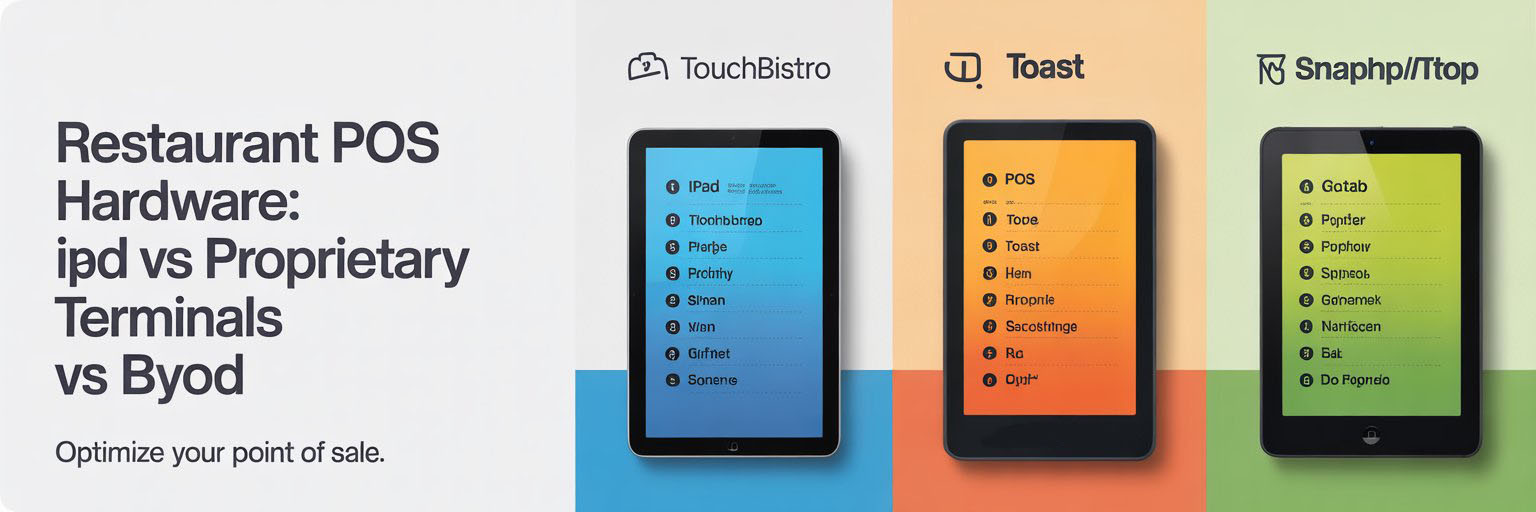
Systems like Toast and SpotOn sell proprietary terminals, while TouchBistro, Rezku, and Revel run on iPads you may already own. Proprietary hardware can mean better support but higher long-term costs.
Hidden Fees to Watch Out For
Beware of kiosk or KDS add-ons priced per screen, monthly minimums for processing, and early termination fees buried in contracts.
Hardware and Deployment Considerations
iPad vs. Proprietary Hardware
Square, TouchBistro, and Rezku leverage iPads for flexibility, while Toast and Clover push proprietary devices.
Offline Mode and Reliability During Outages
Not all offline modes are equal. Revel’s Always-On Mode lets you continue running nearly everything during outages, while others only queue tickets for later sync.
Scalability for Multi-Location Operations
Growing restaurants should prioritize centralized control. Lightspeed and Oracle MICROS allow enterprise-grade menu management across dozens of stores.
Contracts, Support, and Long-Term Fit
Contract Terms and Cancellation Policies
Some systems (like Square) are month-to-month, while others (like Revel or Oracle MICROS) often require multi-year agreements. Read the fine print before signing.
Customer Support and Training Availability
24/7 support can be a lifesaver. Toast and SpotOn emphasize around-the-clock support and installation services, while budget options like Loyverse rely more on community forums.
Vendor Reputation and Update Roadmap
Look at how quickly vendors ship updates and respond to feature requests. Otter POS, while new, is innovating quickly in the delivery-first space.
Red Flags and Watch-Outs
Processor Lock-In and Limited Integrations
If a POS forces you to use only its payment processor, your fees may creep up over time. Toast, SpotOn, SkyTab, and Rezku fall into this category.
Expensive Add-Ons for Basic Features
Watch for essential tools like loyalty, KDS, or advanced reporting being priced separately. TouchBistro and Rezku keep base fees low but charge for add-ons.
Hardware Lease Traps
Avoid long-term hardware leases where you don’t own the devices. Buying outright or financing is usually more cost-effective.
Limited Offline Functionality
If your internet goes down during dinner rush, can you still swipe cards and print tickets? Systems like Revel and Lightspeed excel here, while lightweight options may leave you exposed.
Conclusion
Choosing a restaurant POS system is about more than price—it’s about aligning technology with your service model, growth plans, and budget. Use our side-by-side comparison table to filter options like Toast, Square, SpotOn, GoTab, Loyverse, Rezku, and Otter POS. Then weigh the key considerations—pricing, processing, hardware, contracts, and support—before making your final decision. And remember, while POS keeps your orders flowing smoothly, reliable front-of-house equipment from Lane Equipment keeps customers coming back for frozen drinks and sweet treats that drive profits.